Remote desktop.
Share one window.
Kinect VNC gives you precise control — stream a single app while keeping the rest of your desktop private. Encrypted by default. Works with any standard VNC viewer.
Compatible with any standard VNC viewer
Headline feature
Share one app. Not your whole desktop.
The most privacy-conscious feature in remote desktop. You control exactly what the viewer sees.
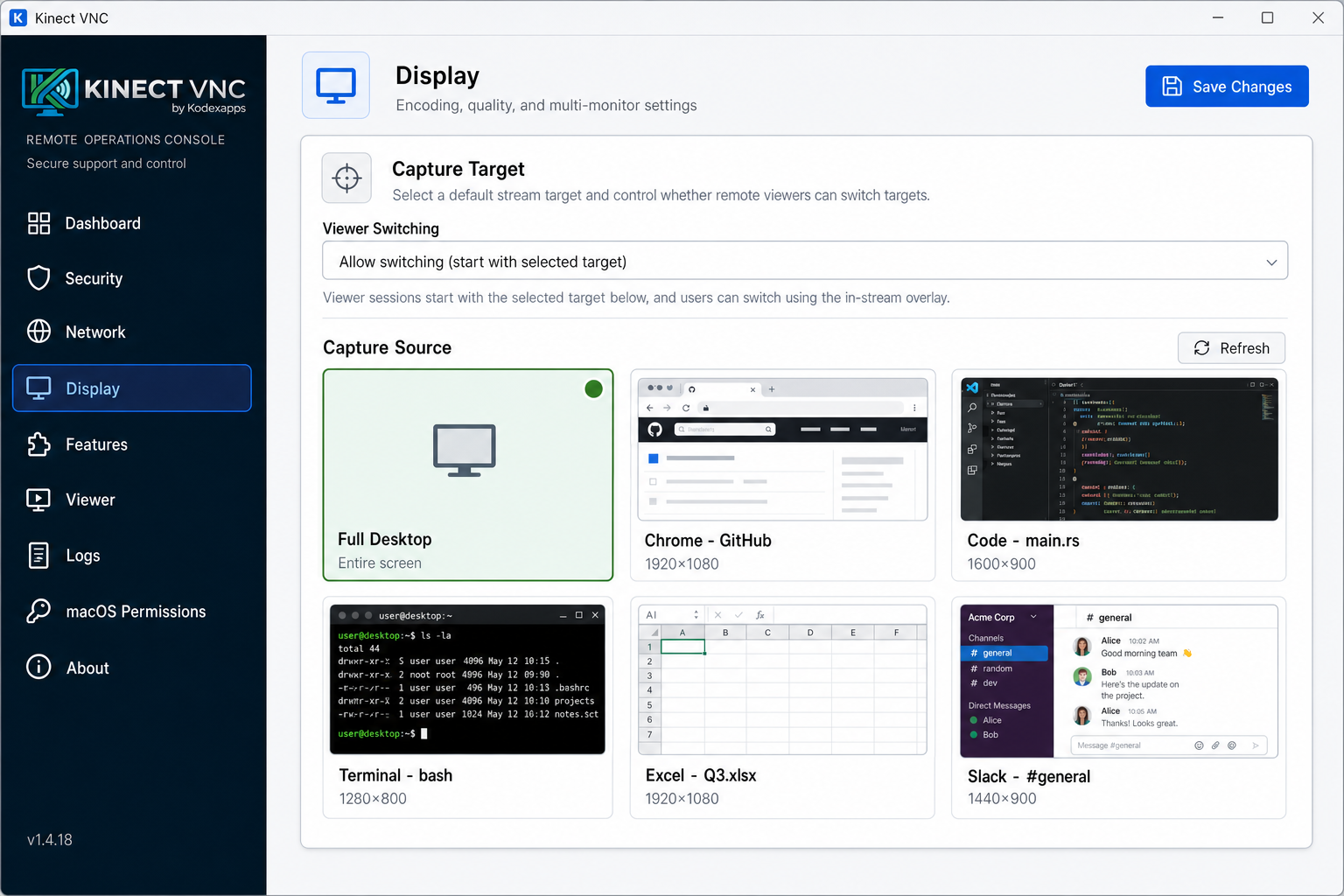
- Pick any open window or full desktop — with live thumbnails
- Allow viewers to switch capture targets in-stream, or lock to one app
- Keep notifications, sensitive apps, and other monitors out of the stream
- Works with all standard VNC viewers — no special client needed
All features
A complete remote desktop. Not just a screen mirror.
Click any feature to see exactly how it works.
Window-Only Sharing
Share one app, not your whole desktop. Pick any window or full desktop, with live thumbnails and viewer-switching policy.
Native Screen Sharing
High-performance capture using DXGI on Windows and ScreenCaptureKit on macOS, with dirty-rectangle tracking.
Encrypted by Default
RSA-AES for RealVNC, VeNCrypt/TLS 1.3 for TigerVNC. Encrypted connections out of the box.
Authentication
VNC password, system auth, client certificates, and brute-force protection with lockout.
Session Codes
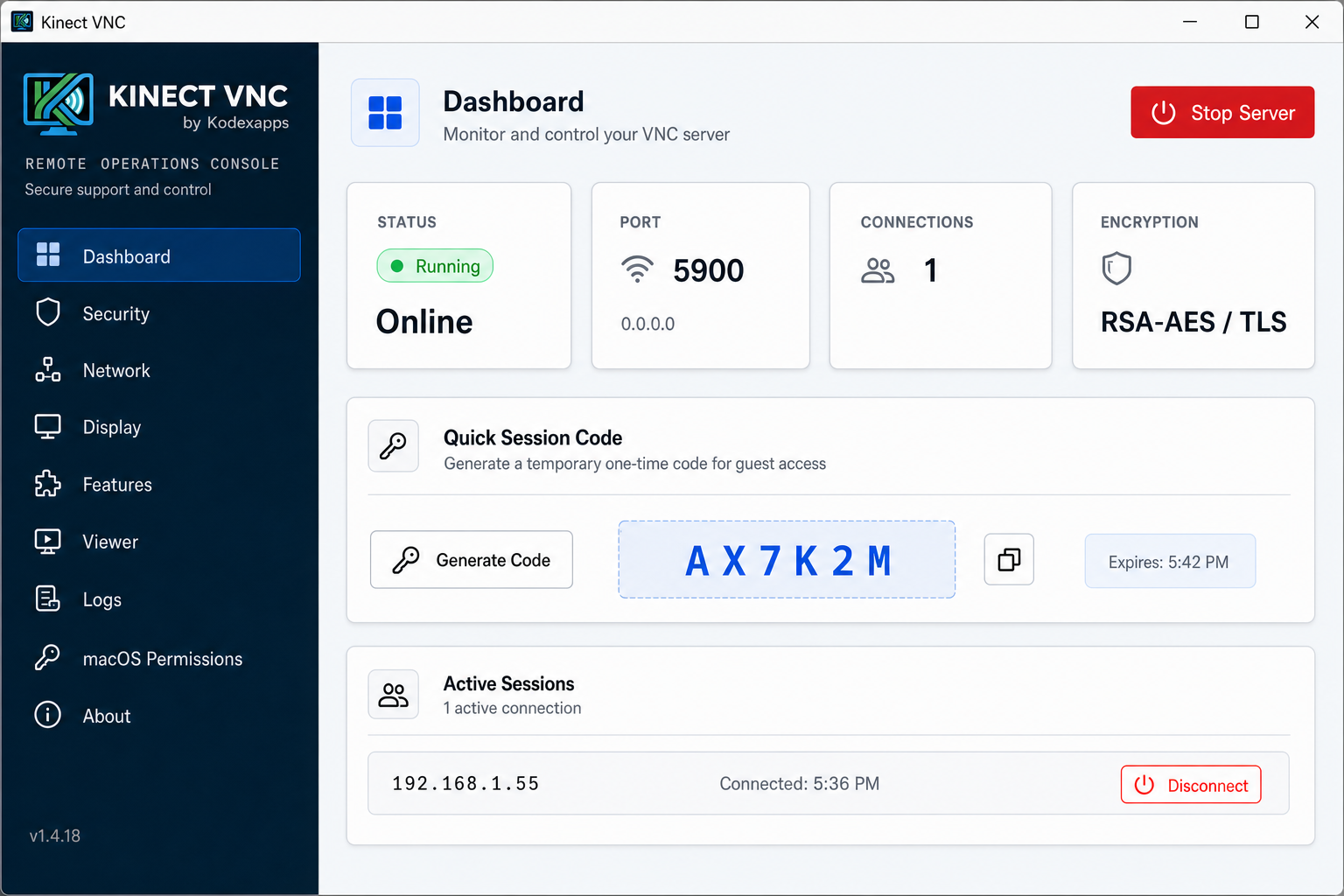
Temporary one-time codes for quick guest access with configurable expiry.
Clipboard Sharing
Bidirectional clipboard sync with Unicode support and configurable size limits.
In-Session Chat
Text chat between server and viewer using the UltraVNC TextChat extension.
Audio Streaming
Stream system audio to viewers using the QEMU audio pseudo-encoding.
Session Recording
Server-side FBS recording with automatic or manual triggers.
Screen Blanking
Hide the physical display while a remote viewer is connected.
Remote Printing
Capture print jobs and send them to the viewer for local printing.
Multi-Monitor
ExtendedDesktopSize support for multi-monitor aware viewers, per-monitor or combined.
Access Control
IP allowlist/blocklist, max connections, per-user permissions, and connection timeouts.
Unattended Access
Run as a Windows Service or macOS LaunchDaemon for unattended remote access.
Free to download · Windows & macOS · by Kodexapps
Ready to take control?
Download Kinect VNC and set up a secure remote desktop in minutes. Works with the viewer you already have.
Windows and macOS · No account required